New Google Toolbar Beta

Beta version of the new Google tool bar 3 has been released yesterday. The new version of Google Toolbar for Firefox adds the features that were available only in the IE toolbar and a special bonus.

The latest version of Google Toolbar makes it easy to send snippets from web pages by email, SMS. It's also easy to have a blog without actually writing too much original content.


you can download and install the new beta version from here.
 

Ooh No Exam Results are out...

Our Level 3 Semster1 Exam result have been released yesterday. I got mixed results this time. They rage from A+ to C. Ok, I have to admit that L3S1 exam was the worst exam I had in my undergraduate life.
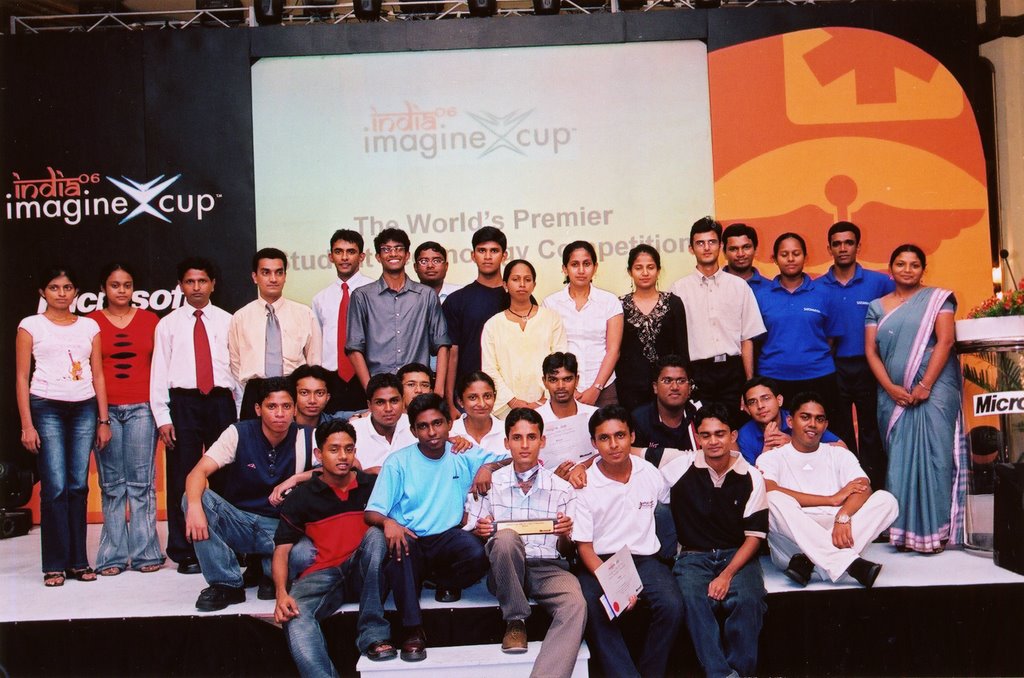
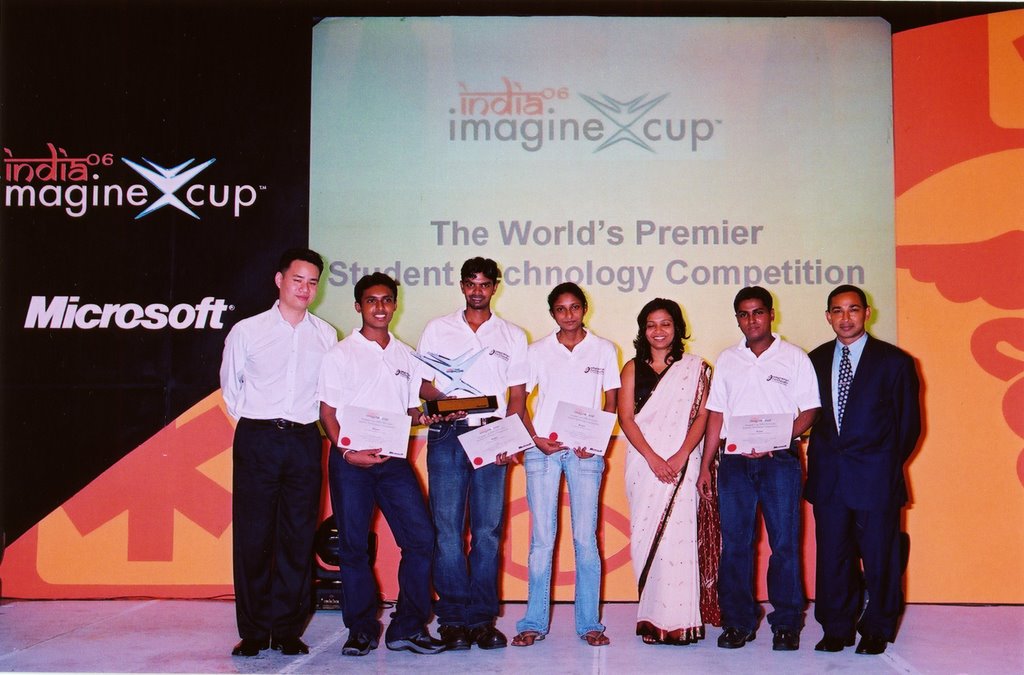
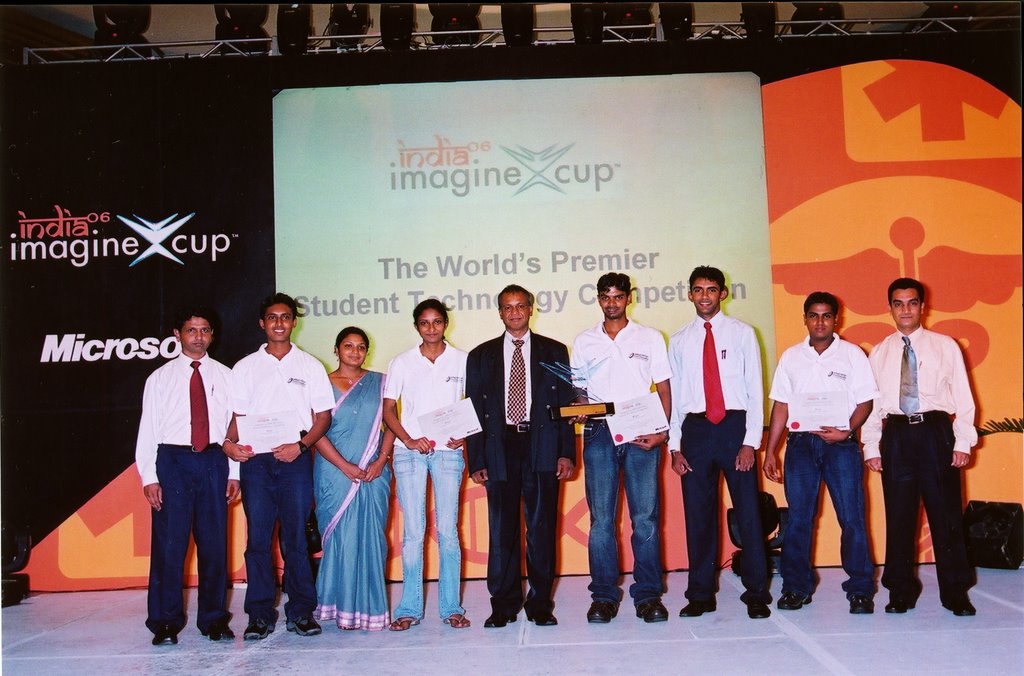
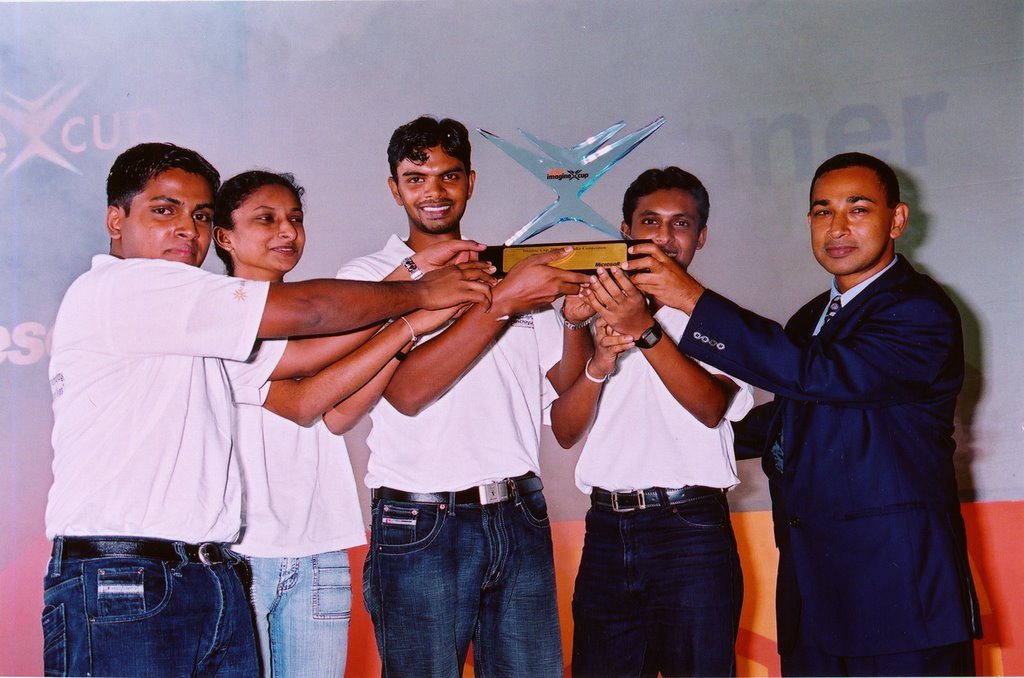
Main reason for the poor performance in the exam is ..... I didn't study well in this semester. Yes I have to admit it. But it also had fair reasons. I had devoted lot time to prepare for the Imagine Cup Local competition and then for the world finals. The time I devoted was well worthed since we won the IC Sri Lanka local competition beating more than 40 teams.
Exam started on 15th Aug and we had to participate for the IC world final in India from 5th to 12th Aug. So didn't had any time to study.... Given the circumstances I think I have done well. (But now I fell that I could have done the exam little bit better...) .
I have learn lot of things in that semester. I'm hoping to do next exam (L3S2) much much better....
 

New Layer in Google Earth

Google have introduced a new Geographic Web layer to Goolge Earth. Now you can see content from;

while you using GE.


The places described in those site will be shown in small wikipedia globe or blue Panoramio star or Google Earth Community yellow i icon. Simply by clicking on that icon you can view that content.


Cool...
 

Keystroke program launcher for windows...

This is the new member of my Must have program list. I just found it today when I was reading in the lifehack website. When I read about the inbuilt search facility in the windows startmenu in vista I loved it. But since I didn't got vista installed I never got the chance to fell it. Launchy is something smiler to it. Just pres Alt+Spase and type few words and Enter.... That's it. You don't have to search through the start menu to find a program. You can even use this to go to files and folders...
Other wonderful thing with Launcy is it is Open source and comes up with multiple skins. If you wish you can create your own skin as well.
Sounds interesting.... Try it and see for your self.
You can also directly download Launchy form Sourceforge.


Navantis 2nd B'day Celebrations

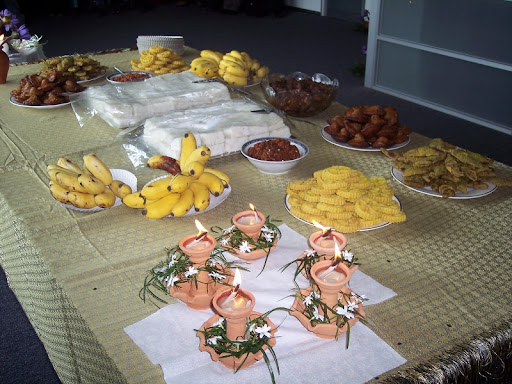
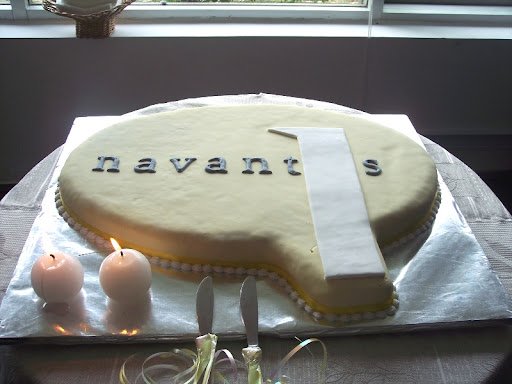
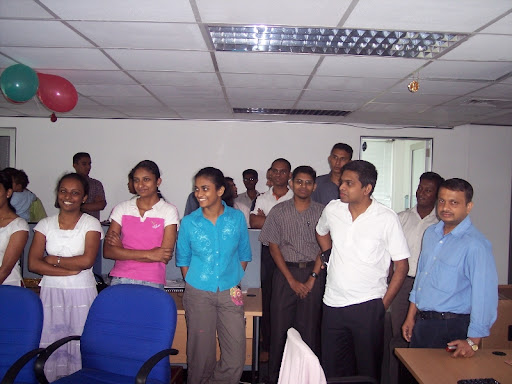
Yesterday Navantis SL where I do my internship, celebrated it's second birthday. Navantis has been started only with 9 employees and now it has more than 80 employees. B'day was celebrated in traditional Sri Lankan way with Kevum and Kiribath. There was a nice B'day cake as well. Indaka the CEO of Navantis SL thanks every one for supporting Navantis to grow like this.


Happy B'day Navantis SL....

For more photos visit my Picasa Web Album.
 

Embedding Slideshow for Picasa Web Albums to my blog

I alway wanted to put a slide show of my Picasa web album photos in my blog. Now I found a way to archive it. It is a Java script created by phydeaux3. I fond the news while I'm reading the blog Googel Operating Systems. Java script is quite customizable and It's very cool. You can add it to blogger as a HTML widget. (You have to use Blogger beta for this.). Try it and enjoy.....
 

MS Weekend for Beginners


Microsoft student champs at our faculty had organized an introductory session on Microsoft .Net framework last Saturday(25th Nov). I conducted 2 sessions there, "Introduction to .Net Framework" and "Introduction to Windows Application Development with C#".
It was organized for the Level1 Semester1 students. Nearly 50 students participated for that event. Wajira (MS Student Ambassador) also conducted a session on "Introduction to ASP Web Development ". This was the first public technical session conducted by me. It was a wonderful experience to share what I know with other.
Some wonderful prices also given away to the students at that event. Those included CD pack containing Visual Studio 2005 Standard Edition and SQL Server 2005, 5 button optical mouse and few technical magazines...
You can download the presentation I did on "Introduction to .Net Framework" here.


Portable applications


Have you ever wanted to carry you Firefox browser with you with all your carefully organized bookmarks? Now you can do that with PortableApps...
You can carry your FF with all bookmarks , your calendar with all appointment and the list goes on and on. This is a free software suite that you can run from you flash drive. Currenly it support more than 10 applications, including Firefox, Sunbird, Oprenoffice, Thunderbird......
You can try this PortableApps site.


My Piccasa Photo Album..

I Created a photo album in Piccasa. It's really cool. Once created, I can even attach it to my blog. You can see it in the right hand side of my blog. So it is easy to share my memorable moments with all of you. I've not uploaded many photos to Piccasa yet... I'll soon upload more photos.............
 

Firefox Keyboard Shortcuts


Are you a Firefox lover? Like to use FF without using the mouse. Most of the power users hate mouse, they want to use keyboard for every thing. I've to admit that I'm not a power user. But knowing few shortcuts can save lot of your time. These are few shortcut that you can use in FF.

To use the keyboard shortcuts hold down CTRL and press one of the following:

TOpens a new tab and takes the focus to the new tab
OOpen Local File. This is one of the biggest changes from IE where both Ctrl-O and Ctrl-L opened a dialogue box for a URL.
LChanges focus to the Address bar
TabScrolls through the tabs from current window towards the right. Loops back to the first tab when rightmost tab is reached
1..0The numbers 1 to 0 takes the focus to Tab 1 to 10
NOpens a new window like IE
Wa tab or if there are no tabs, close the window
BOpen bookmark sidepanel
DBookmark current page
HBrings up the history dialogue box on the right. Useful if you closed a page accidentally and forgot the URL. Or to make sure your kids are not looking at pr0n
UShow page source
YOpen downloads window
KFocus goes to search bar

RRefresh current page
FFind in page
GFind Again (used in conjunction with Ctrl F)
JPage Info (same as properties in IE)
-Decrease font size
+Increase font size
SSave current page to disk
PPrint current page
ASelect All
 

Ms. Dewey..........


This is cool site... It gives you a verbal answers on your searches. It is powers by Microsoft Live search. Ms. Dewey's actions are very cool... Would like to meet Ms. Dewey?
 

Gmail as a Storage devise....

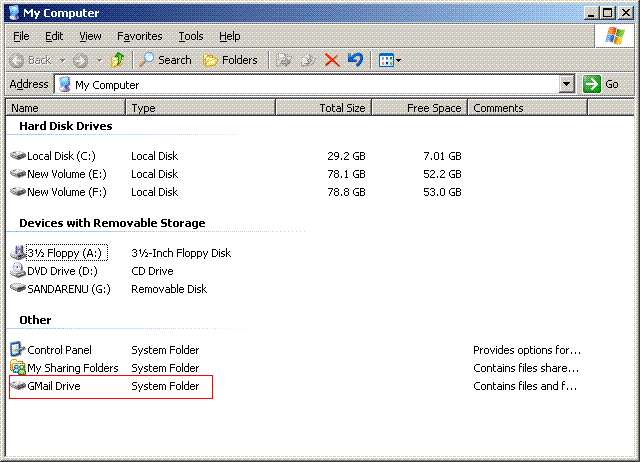
Hey would you like to use the more 2GB storage in your gmail account as hard drive from your PC....


Then Gmail Drive is what you are looking for. This is a cool solution I found while I'm surfing the net.
It creates a Shell Namespace Extension that creates a virtual filesystem around your Gmail account, allowing you to use Gmail as a storage medium.
Sounds interesting.... Then check this out.. GMail Drive shell extension
You can also directly download the software from softpedia

Enjoy your new 2.7GB virtual HD.....
 

What's Your Salary?

What's Your Salary? @ JAVA DEVELOPER'S JOURNAL

This is very good artical I found in the net.
 

My First Salary

Today I received my first ever SALARY. Since I'm working as an intern at Navantis Sri Lanka it is not a big amount. But still it is the first one. At Navantis I'm working as ASP web developer. These days I'm stuck with work. Any way I'm planning to use this money to buy a new Hard Disk for my PC. Currently I'm only having 40Gb which is obviously not enough.
 
This is a test to see the Blog posting through Writely.


After Long Time......

Hi all,

I could not post any thing in the blog for long time. We had our semester exams in the university and I went to India to participate Microsoft Imagine Cup world finals and lot lot more work........ So I didn't had time to update my blog.
Now All that is finished and I've little bit time to update my blog.
 

Trip to Sinharaja


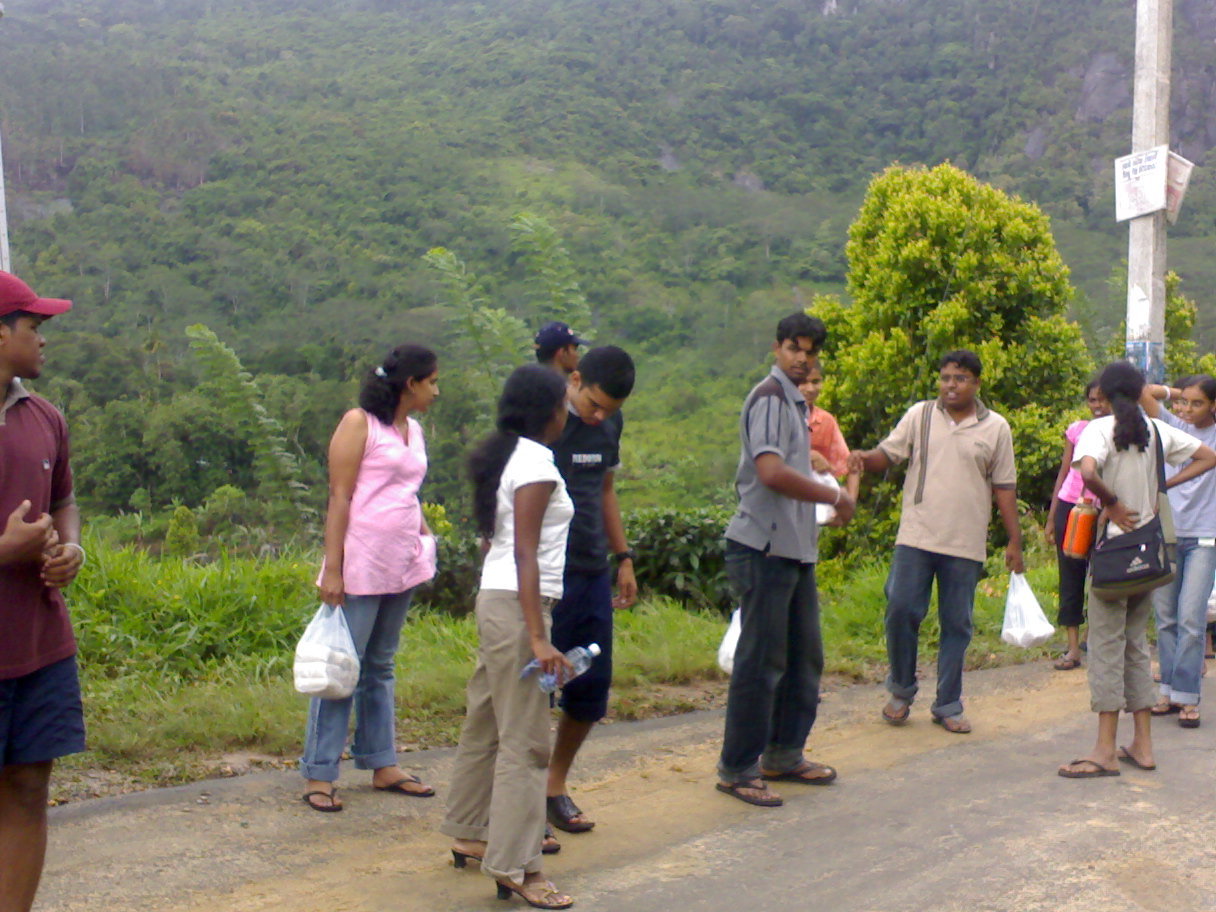
We went on a trip to Siharaja forest last Tuesday(21st). It was a two day trip. 34 freinds participated for the trip. We left the university in the Tuesday morning around 6.30 a.m.
It was a day to remember.
 

More Photos from the Imagine Cup Sri Lanka Competition


We Won the Imagine Cup


Yesterday 31st May 2006 we won the Imagine cop Sri Lanka compettion. There was a big compettion among all 5 groups selected for the finals, but we finaly manage to win the cup.
 

New Year


Had a wonderfull "New Year"...
Ate lots of Kevums and ather sweet stuff. But it was not very relacing as ecpected, because had work until 12th. And there were lot of works to be done in the Imagine Cup as well. Have to get back to work now......